
Create Account: Step by step guide
Step 1:
To create an account, click on https://nationalpost.com/subscribe/recommended/aku/, (You must be on campus and connected to the AKU network.)

Step 2:
Click on “Redeem”


Step 3:
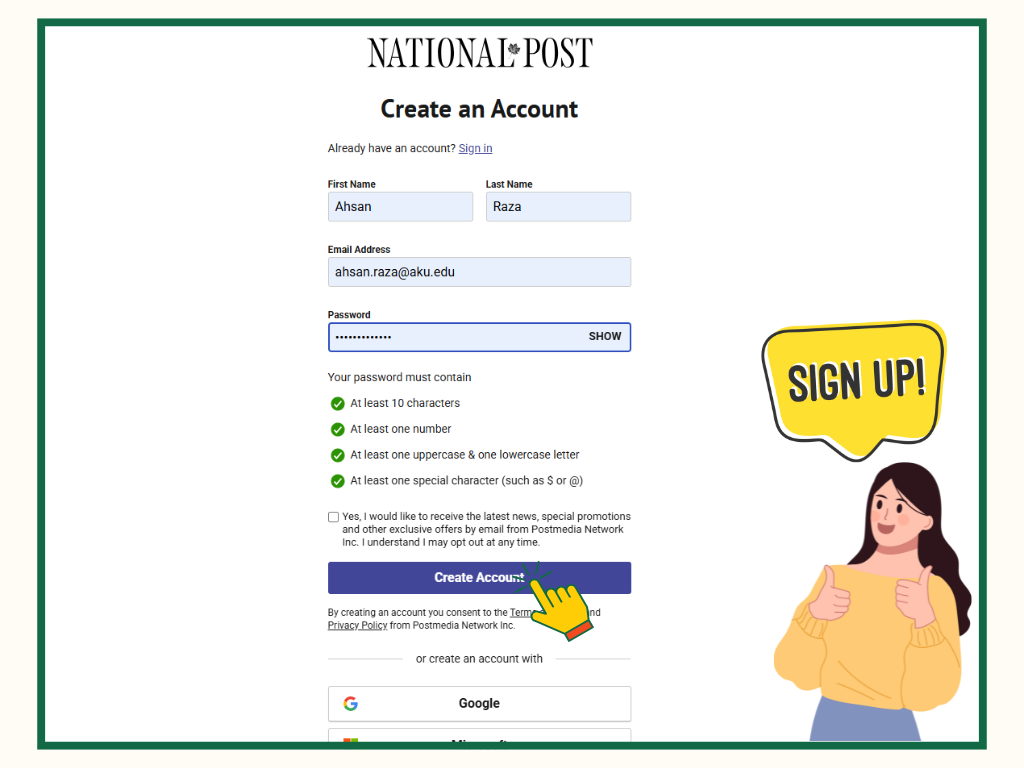
Complete the fields:
- First Name
- Last name
o Faculty and staff (abc.xyz@aku.edu)
o Students (abc.xyz@scholar.aku.edu)
- Create password
- Click on “Create Account”.
Step 4:
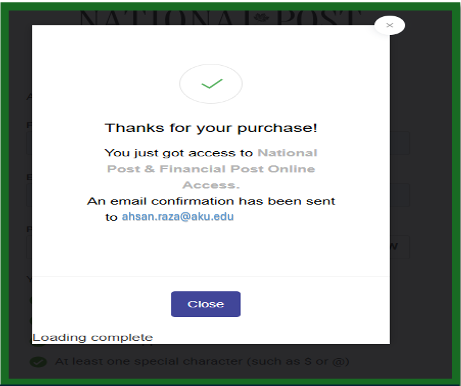
- You will receive a confirmation email from National Post.
- Click on “Close”.
Step 5:
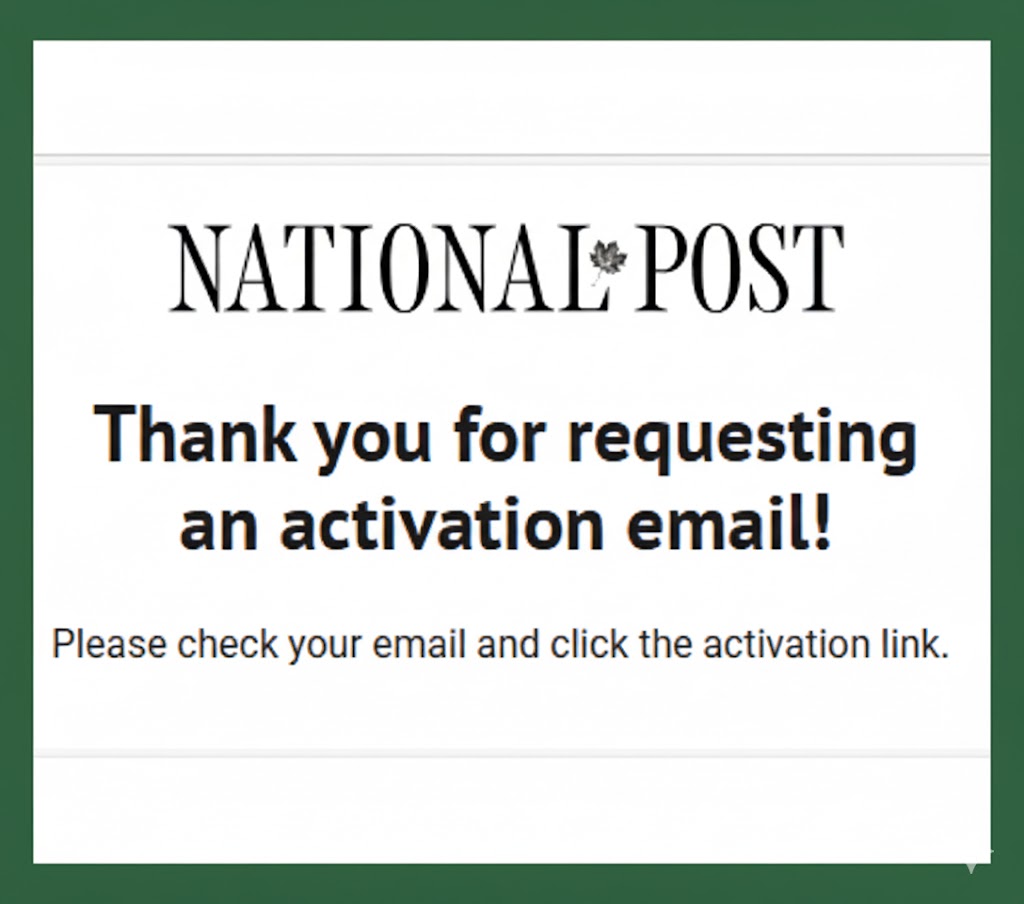
- Check your email and click the activation link.
Step 6:
- Click on “verify”.
Assistant Librarian

Ahsan Raza
Contact:
Assistant Librarian, Faculty of Arts and sciences,
Aga Khan University Karachi, Pakistan
+92 21 3486 9802
Aga Khan University Karachi, Pakistan
+92 21 3486 9802


